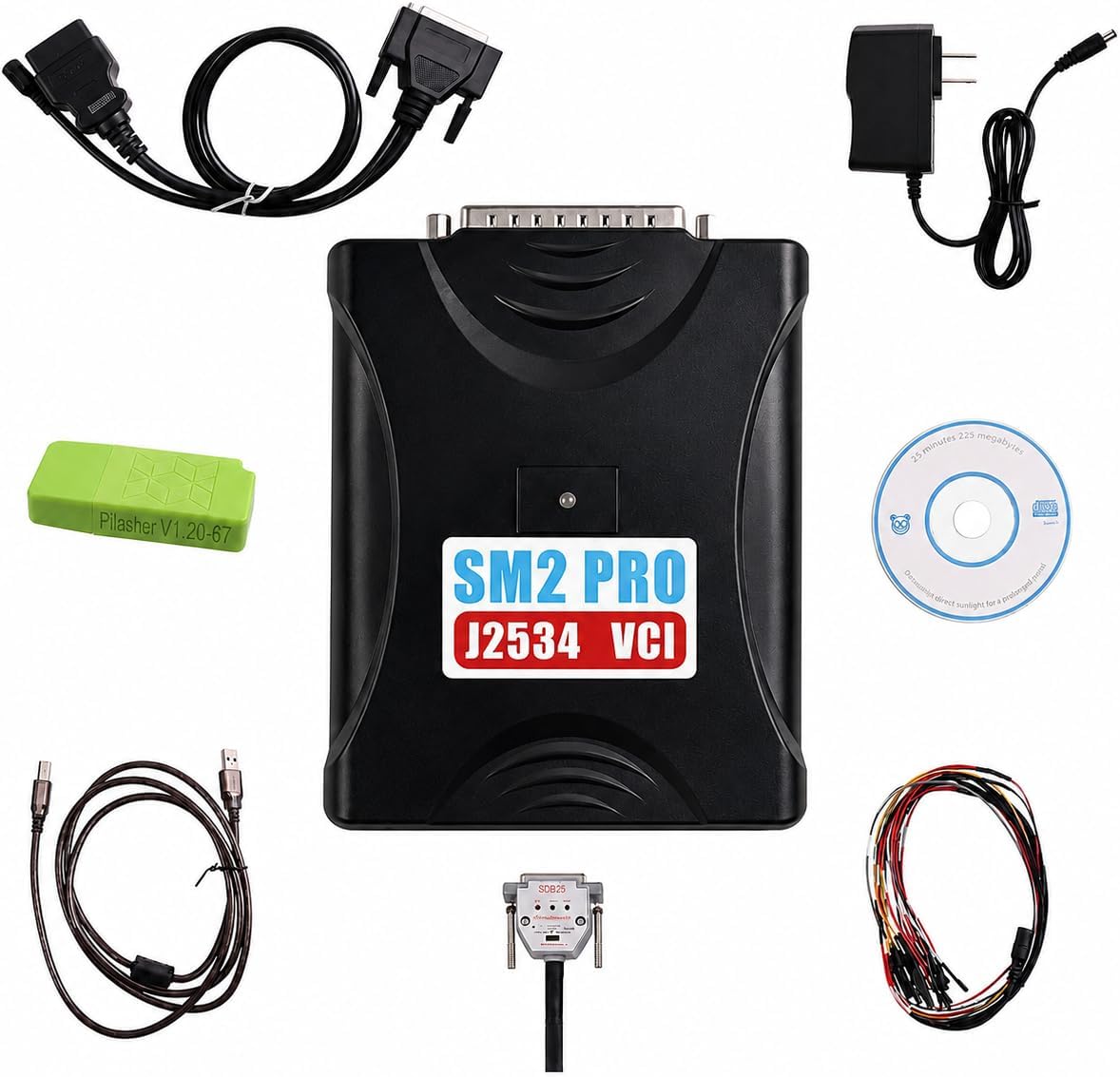
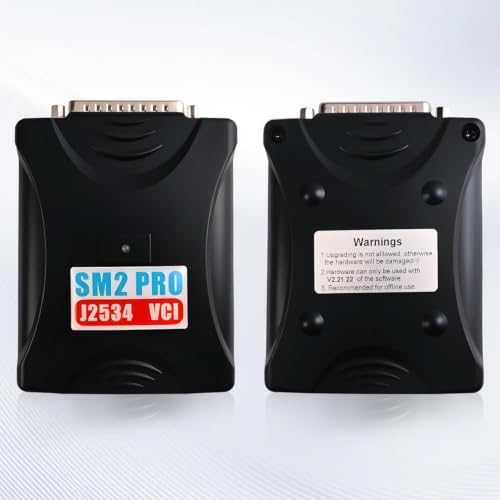
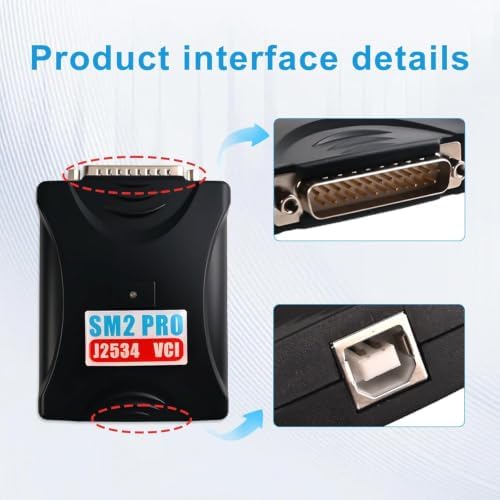
A SAE J2534 pass-thru interface built on the SM2 PRO hardware platform, firmware revision V2.21.21. It sits between a Windows laptop and the vehicle's control units and handles 67 communication protocols, covering Bosch, VAG and FCA modules along with the common domestic and Asian platforms. This is the box you reach for when a transmission control module has to be read, written or re-flashed rather than just scanned.
Three working modes. OBD mode runs through the diagnostic port and is what you use on a vehicle that still talks on the bus - reading calibration, writing an updated file, running a normal pass-thru session. Bench mode wires straight to the module connector with the unit out of the car, which is the mode that matters when you replace a TCM that is bolted to the valve body or built into a mechatronic unit and it has to be programmed before the pan goes back on. Boot mode is the recovery path for a controller that was bricked by an interrupted flash and no longer answers on the bus at all.
No diagnostic software is included, and that is worth understanding before you order. This is the hardware interface only. It works with J2534 applications such as Toyota Techstream, GM GDS2 and Ford FDRS, but each of those is licensed separately by the manufacturer and carries its own subscription cost. Budget for the software the same way you would budget for the tool.
Typical transmission-side jobs: flashing a replacement TCM so it matches the vehicle's VIN and calibration, pushing a shift-quality or adaptive-strategy update after a rebuild, and recovering a module that lost power partway through a reprogram. Connection is USB to a Windows 10 host.