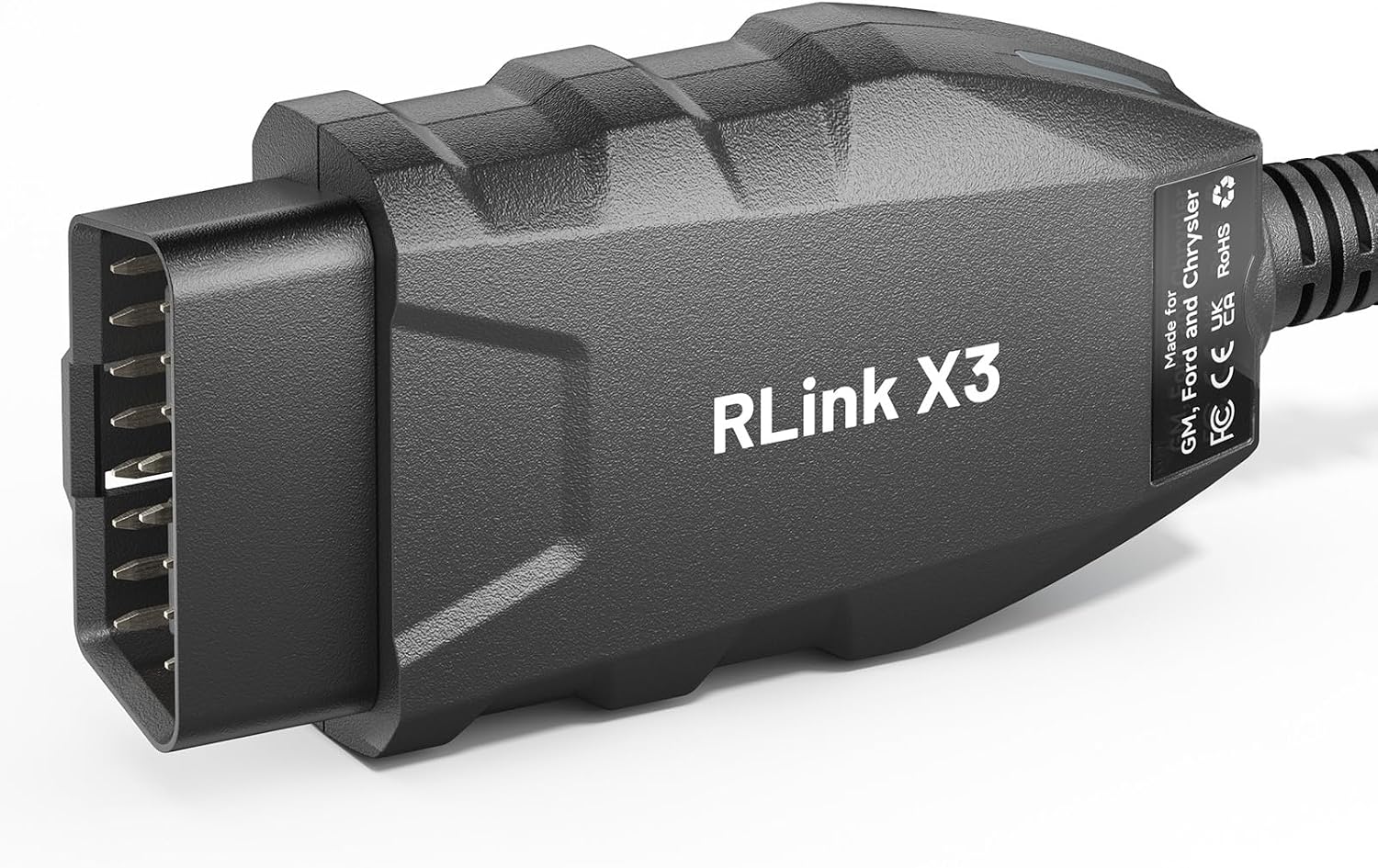
Replace a valve body, a solenoid pack, or a whole transmission on a late-model truck and the job is not finished when the pan bolts are torqued. The TCM has to be programmed, the adaptives cleared, and in a lot of cases the module has to be flashed with the calibration that matches the VIN. That work happens through a J2534 pass-thru device and the factory software, not through a generic code reader. The RLink X3 is that device for the Big Three.
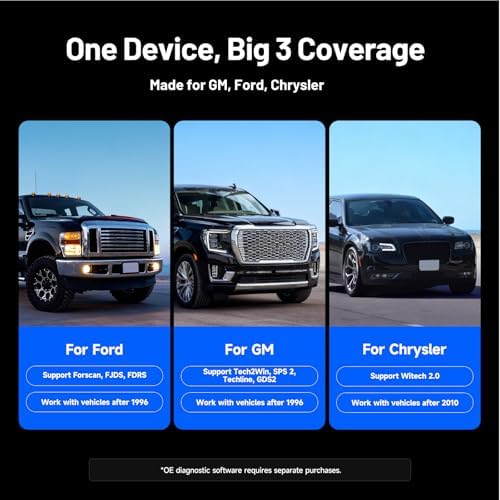
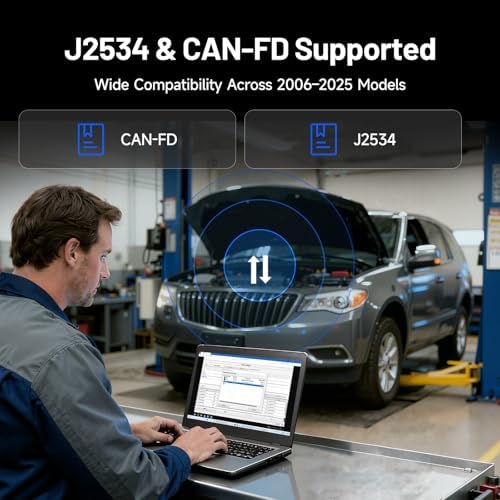
It runs the OE platforms directly: FORScan, FJDS and FDRS on the Ford side, Tech2Win, SPS2, Techline Connect and GDS2 on GM, and wiTECH 2.0 on Chrysler, Dodge, Jeep and Ram. Coverage is model year 2006 and newer, and the box speaks CAN-FD as well as legacy CAN, which is what you need for 10R80, 8L90 and 850RE era vehicles that moved off classic high-speed CAN. It switches between HS-CAN and MS-CAN automatically instead of making you move a jumper, which is the usual way a FORScan session gets interrupted halfway through a module write.
Typical transmission jobs it covers: TCM replacement and VIN programming, shift adaptive resets after a rebuild, TCM calibration updates for harsh 1-2 or flare complaints that have a factory reflash, solenoid strategy relearns, and bidirectional actuation to command solenoids and read live line pressure during diagnosis. It is a corded USB tool, so there is no Bluetooth dropout mid-flash.
Two things to know before you buy. The OE software itself is not included and is not free - Ford, GM and Stellantis each sell their own subscription, and you supply the Windows laptop. And this unit does not cover GM vehicles that use the DoIP protocol; if you work on the newest GM platforms daily, check your target vehicles first.